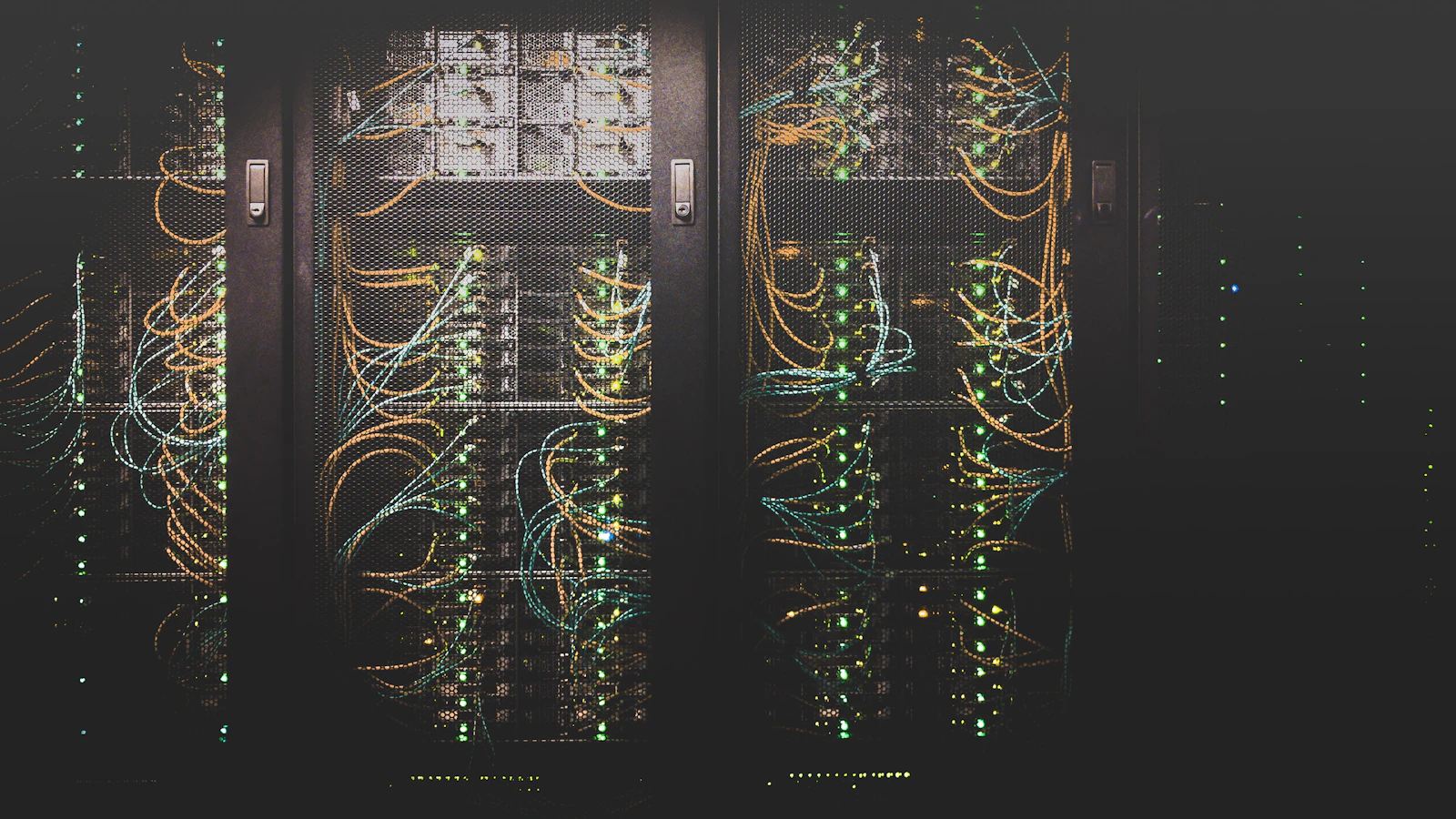
Choosing between on-premises and cloud business intelligence is a decision about data movement, operational responsibility, access, recovery, and cost. Neither location guarantees security or reliable reporting. The right architecture is the one that meets the business's requirements and has a realistic operating plan.
Start by identifying what the reporting system must do and who will maintain it. Choosing a location before answering those questions can leave important responsibilities unassigned.
Distinguish location from control
An on-premises deployment runs in the business's own physical environment. A privately hosted environment may use dedicated infrastructure in someone else's facility. Cloud services can provide infrastructure, managed databases, analytics applications, or a combination of these. A hybrid design connects components across environments.
These labels do not tell you who can access the data, how backups work, or whether the system depends on outside services. Ask for a component-level description rather than treating the word private as a complete security explanation.
A dedicated server can still send data to an external backup service. An on-premises reporting application can still depend on a hosted identity provider. A cloud dashboard can still be configured to expose more information than intended.
Document the actual design and the controls around it.
Trace every meaningful copy of the data
Map the source systems, extraction process, reporting database, dashboard, exports, backups, and operational logs. Include any AI components that receive business information.
For each stage, record what data moves, where it is stored, who can access it, and how long it is retained. Do not stop at the main database. A restricted customer table may also appear in an exported spreadsheet, a troubleshooting log, a cached response, or an emailed attachment.
This exercise can change the architecture discussion. A company seeking to avoid unnecessary external copies might still choose a managed cloud component for a limited, approved dataset. Another might require the entire reporting path to remain inside an existing controlled environment.
State those boundaries explicitly. A dashboard location by itself does not establish where all business information resides.
Assign security responsibilities in either environment
Cloud services do not eliminate the customer's responsibilities. AWS's shared responsibility model distinguishes provider responsibilities from customer responsibilities, with the division depending on the service used. Customer responsibilities can include data classification, access permissions, and configuration.
On-premises systems also need named owners for updates, account management, secure connectivity, monitoring, physical access, and recovery. Owning the hardware does not complete those tasks.
For either approach, ask who approves access, removes former users, reviews permissions, patches each component, responds to an incident, and verifies backups. Record whether each duty belongs to your team, a hosting provider, a software vendor, or a contracted service partner.
Avoid unqualified statements that an architecture is compliant or fully secure. Applicable requirements and the controls used to meet them need a separate, specific assessment.
Design for a failure before discussing uptime
Ask two business questions: How much recent data could we tolerate losing, and how long could this reporting function be unavailable?
A weekly management report may have different requirements from an operational tool used throughout the day. Those requirements should guide backup frequency, recovery procedures, monitoring, and support expectations.
Test restoration rather than assuming a backup file is sufficient. Confirm that the recovered system includes the configurations, credentials or credential-recovery process, and documentation needed to operate it. Keep appropriate separation between production access and recovery copies.
Also examine dependencies. A local server can fail because of power, hardware, network, or building problems. A cloud application can become unavailable because of provider issues, connectivity problems, configuration errors, or account problems. Write down the response to each relevant scenario without promising that one location removes every risk.
Compare total operating cost over the same period
For an on-premises option, include hardware acquisition and replacement, software, backup arrangements, physical hosting needs, administration, and support. Existing hardware is not automatically free if the reporting workload consumes capacity or requires additional maintenance.
For a cloud option, review the services and capacity required, licensing, storage, data movement, backup and recovery features, administration, and support. Verify how the proposed configuration is priced rather than comparing it with a generic advertised starting price.
Compare options over the same planning period and against the same recovery and availability requirements. A lightly supported local server and a managed, redundant cloud configuration are not equivalent simply because both can display a dashboard.
Keep migration and exit costs visible. The business should know how to obtain its data, reporting logic, and documentation if the arrangement changes.
Choose the architecture that fits the operating model
An on-premises design may fit when important sources already sit in a controlled local environment, data movement is tightly restricted, and the business has an appropriate support and recovery plan.
A managed cloud approach may fit when approved data can be hosted externally, users need distributed access, and the selected services reduce infrastructure work the business does not want to operate. Verify the actual service boundaries rather than assuming that every cloud component is fully managed.
A hybrid design may fit when only a defined subset of data should move between environments. It adds integration and monitoring responsibilities, so do not present hybrid as a way to obtain every advantage without additional complexity.
These are decision criteria, not universal recommendations. Start with a small architecture diagram and a responsibility matrix before selecting products.
Frequently asked questions
Is on-premises BI automatically more secure?
No. Location can help satisfy a particular control requirement, but security also depends on access, configuration, updates, monitoring, physical protection, and recovery. Compare the implemented controls and operating capabilities, not just the hosting label.
Can we change the deployment later?
A change may be possible, but the effort depends on data volumes, integrations, licensing, platform-specific features, and access arrangements. Preserve documentation and export paths, and discuss portability before building a system around assumptions that would be expensive to change.
Choose a deployment around your requirements
Ferguson BI offers deployment options shaped around access, security, and operational needs, including private infrastructure, your on-premises environment, and cloud services. Architecture, backups, and availability requirements are agreed as part of the scope.
Start with your data-location and support requirements. A useful first conversation identifies the systems involved, which data may move, who needs access, and what must happen when something fails.